Docker MCP: Breaking Down the Two Walls Holding Your AI Agents Back#
Your AI agent is brilliant—but it's like a genius locked in a room with no windows. Here's how Docker MCP breaks it free.
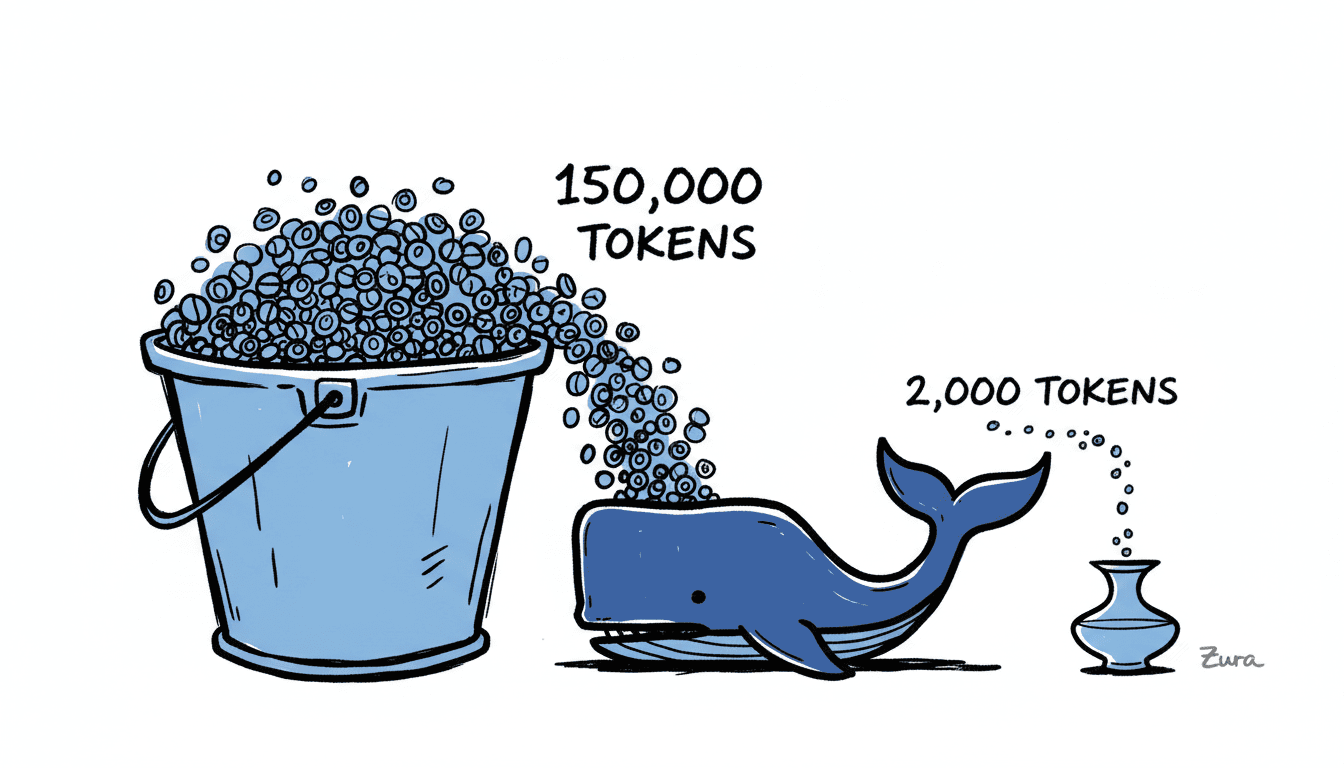
You've built an impressive AI agent. It reasons well, writes clean code, and handles complex workflows. But something's wrong. Before you even send your first message, you've burned through 150,000 tokens. And when you ask it about your latest sales figures? Blank stare. It has no idea what happened after its training cutoff.
Welcome to the dual context crisis—two invisible walls that have been holding AI agents back since the beginning. The good news? Docker MCP tears both walls down.
Think of MCP like a USB-C port for AI applications—a standardized way to connect models to data and tools. And Docker just made that connection secure, efficient, and production-ready.
The Dual Context Crisis#
The Token Tax#
Here's a dirty secret about the Model Context Protocol: traditional implementations are token-hungry monsters.
When your AI agent starts up with MCP, it doesn't politely wait to see what you need. Instead, it loads every single tool definition from every connected MCP server into its context window. Let's do the math:
- 10 MCP servers configured
- 20 tools per server
- ~750 tokens per tool definition
- Total: 150,000 tokens consumed before "Hello"
At Claude Sonnet's pricing of $3/million input tokens and $15/million output tokens, this adds up fast. Run 1,000 agent sessions per day, and you're looking at roughly $2,700/month just in context overhead—before your agents even start working.
| Model | Context Window | Input Cost | Output Cost |
|---|---|---|---|
| Claude 4.5 Sonnet | 200K tokens | $3.00/M | $15.00/M |
| GPT-4o | 128K tokens | $2.50/M | $10.00/M |
| Claude Opus 4.5 | 200K tokens | $5.00/M | $25.00/M |
Teams are avoiding MCP entirely because of this tax. That's a tragedy, because MCP solves the other major problem with AI agents.
The Knowledge Prison#
As Anthropic puts it: "Frontier models are trapped behind information silos and legacy systems despite their reasoning capabilities."
Your LLM knows everything up to its training cutoff—and nothing after. It can't check your Postgres database. It can't read your latest Slack messages. It can't query your CRM for this quarter's numbers.
Before MCP, solving this meant custom integrations. "Every new data source requires its own custom implementation," Anthropic notes, "which makes scaling connected systems difficult."
This creates the M×N nightmare: M AI applications times N data sources equals M×N custom integrations. Each one needs maintenance. Each one has security implications. Each one can break independently.
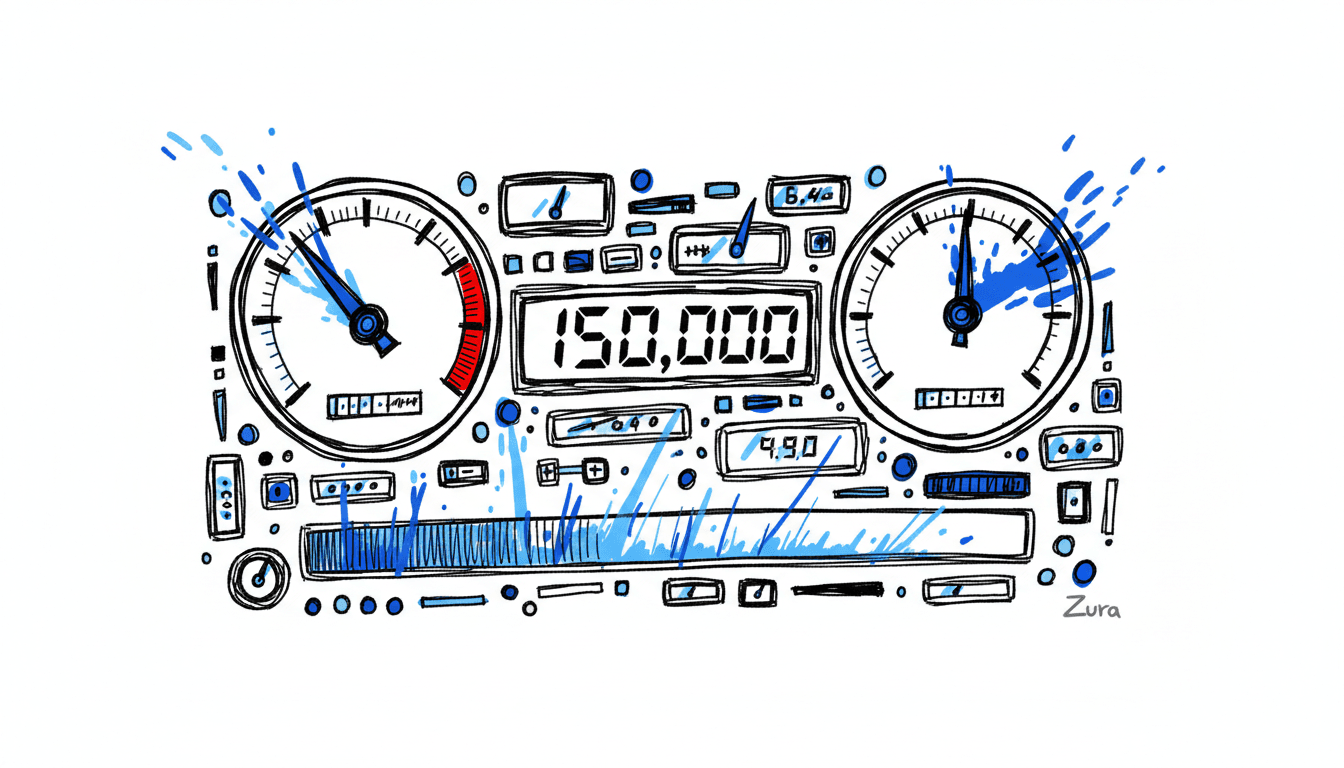
MCP was supposed to fix this with a universal protocol. And it does—but at what cost? Traditional implementations trade the knowledge prison for the token tax.
Enter Docker MCP: The USB-C Port for AI#
Docker's MCP solution, announced in 2025, doesn't just patch the problem. It reimagines how agents connect to the world through three components:
1. MCP Catalog#
A curated collection of verified MCP servers distributed as container images via Docker Hub. Each image comes with:
- Version control and full provenance
- SBOM (Software Bill of Materials) metadata
- Continuous security patches
- Vetted, trusted tool implementations
2. MCP Toolkit#
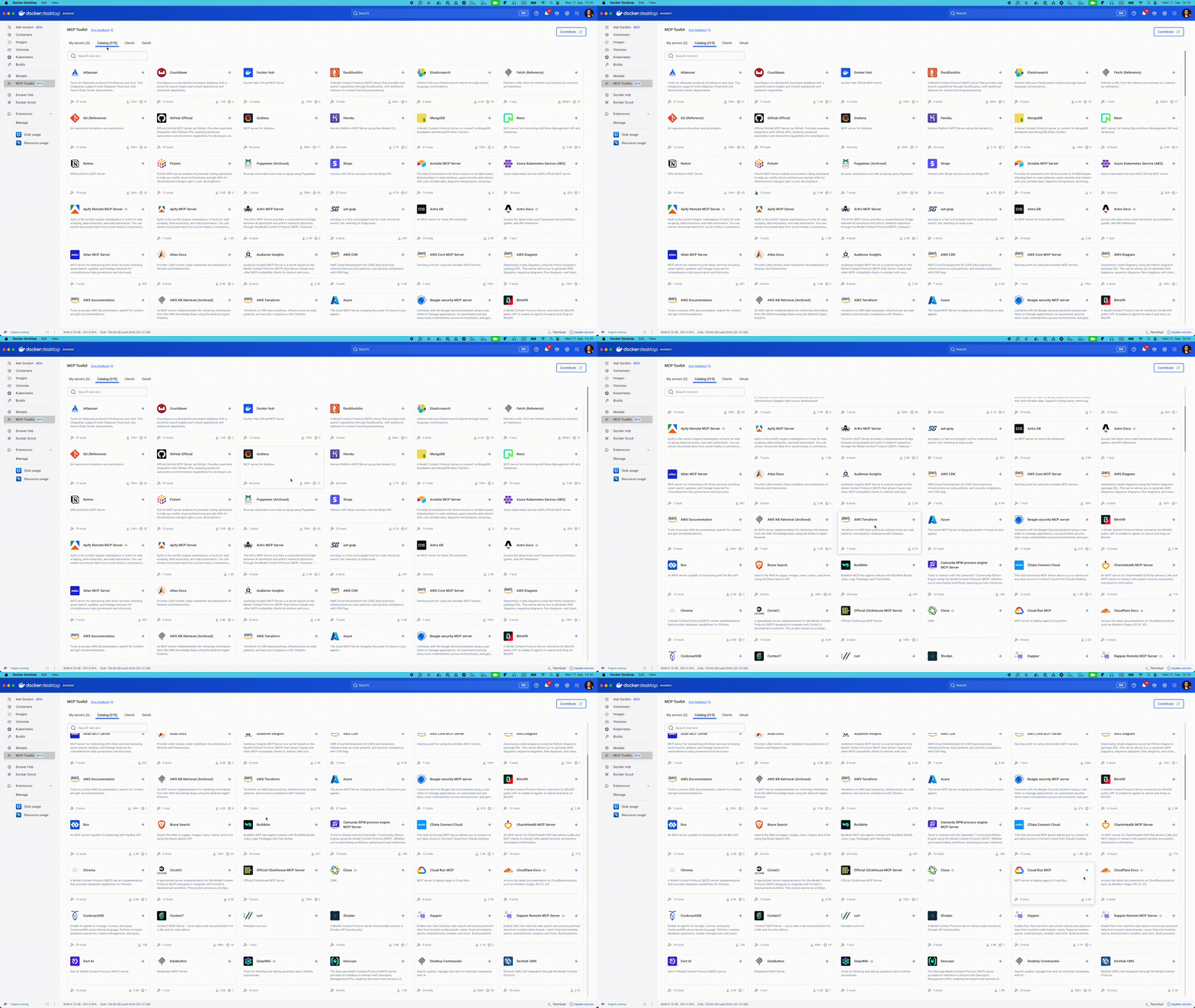
A visual interface within Docker Desktop for discovering, configuring, and managing MCP servers. One-click enable. One-click disable. No YAML wrestling required.
3. MCP Gateway#
The secret weapon. An open-source component that provides a single unified endpoint for AI clients. Instead of connecting to every MCP server directly, your agent connects to one gateway that routes requests intelligently.
Solving the Token Tax#
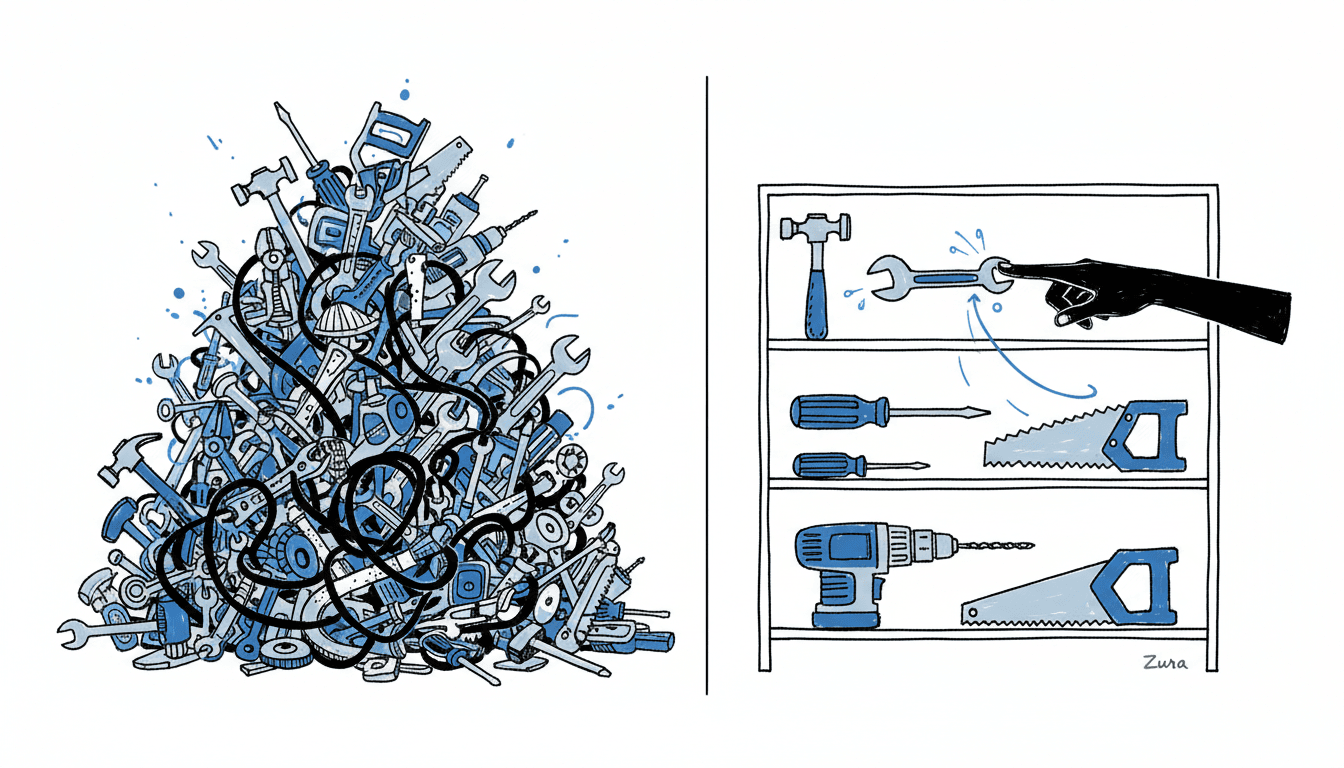
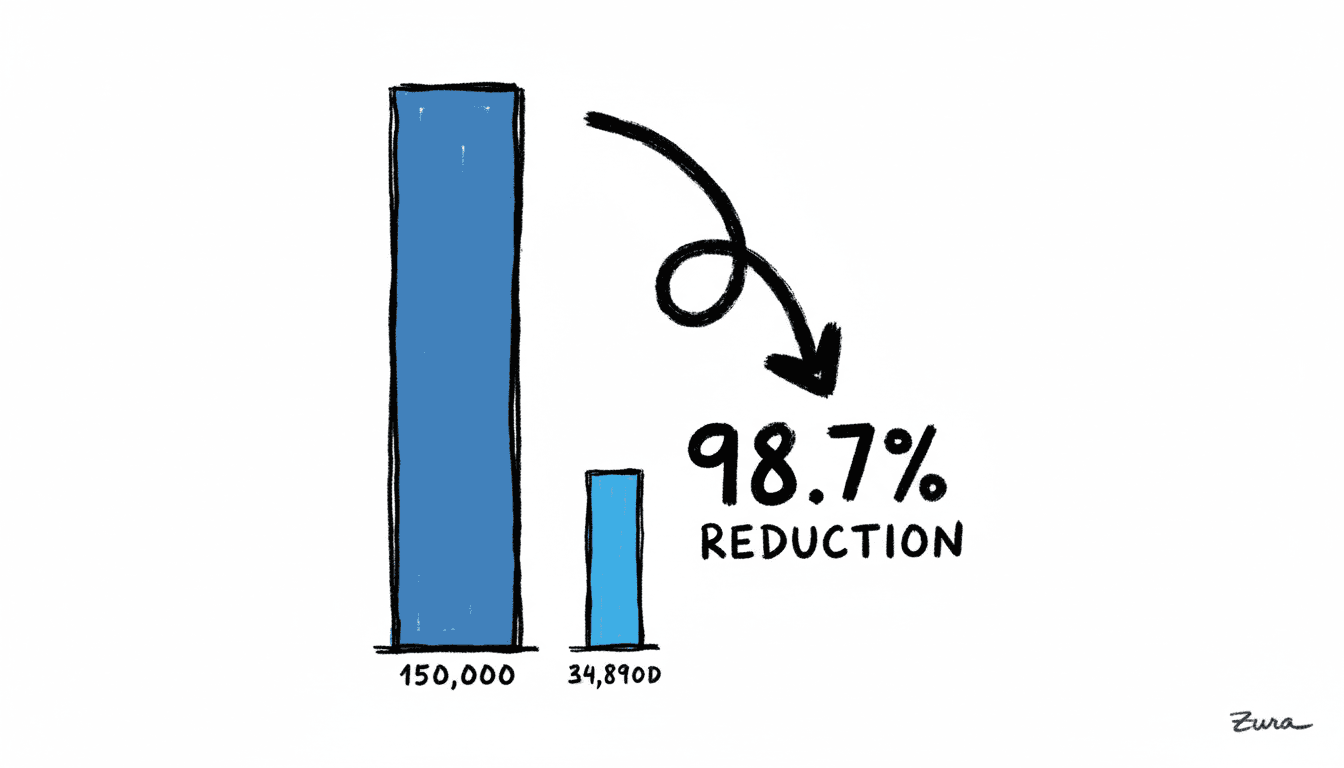
Docker MCP Gateway enables dynamic discovery. Instead of loading all 150,000 tokens of tool definitions upfront, agents discover tools on-demand as they're needed.
| Metric | Traditional MCP | Docker MCP |
|---|---|---|
| Initial Context | 150,000 tokens | ~2,000 tokens |
| Tool Discovery | All loaded upfront | On-demand |
| Server Management | Manual per app | Centralized |
That's a 98.7% reduction in initial context consumption.
How Dynamic Discovery Works#
The MCP Gateway doesn't just passively route requests—it provides intelligent discovery tools that agents use autonomously:
- mcp_find: Search the catalog for servers by name or description
- mcp_add: Connect to a discovered server when needed
- mcp_remove: Disconnect from servers no longer in use
When you ask your agent to search GitHub repositories, it doesn't load all 50 GitHub tools upfront. Instead, it queries for what it needs, pulls in only search_repos, and keeps your context window clean. The agent becomes a dynamic system that adapts to the task rather than a static configuration weighed down by unused capabilities.
Multiple applications can also share a single server runtime, eliminating duplicate instances. Your Claude Desktop, your custom agent, and your n8n workflows can all use the same Postgres MCP server.
Solving the Knowledge Prison#
MCP's three primitives give agents real-time access to the world:
- Resources: File-like data for reading (API responses, database records, log files)
- Tools: Executable functions the LLM can invoke (query_db, send_message, create_issue)
- Prompts: Reusable templates for specialized tasks
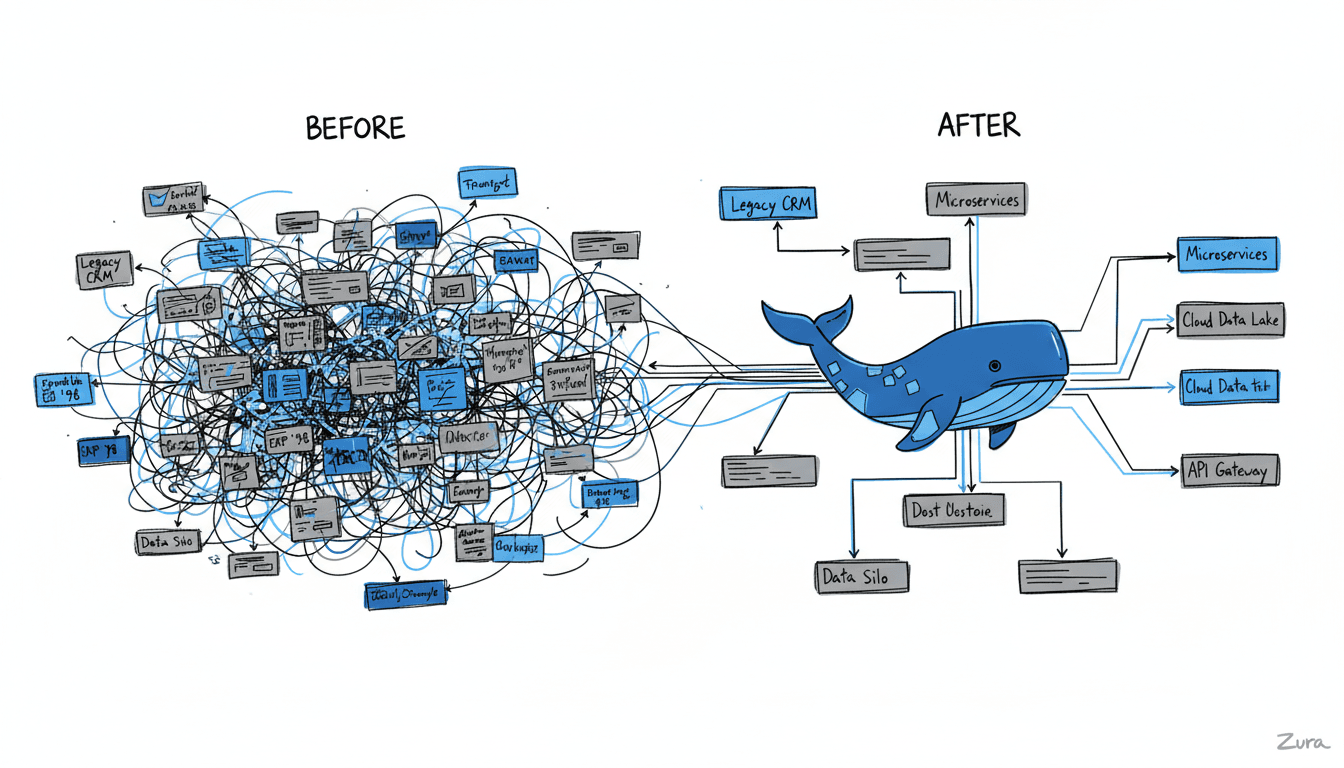
With 200+ official third-party integrations already available—Git, Postgres, Slack, Google Drive, GitHub, and more—your agents can finally see through those windows.
Security: Containerized Sandboxing#
Here's where Docker's heritage pays dividends. Security researchers at Invariant Labs identified serious risks with untrusted MCP servers, including "tool poisoning attacks" where malicious instructions hide in tool descriptions.
Docker's answer: containerized isolation.
- MCP servers run in isolated containers with proper separation from your host system
- Secrets management happens through Docker Desktop—not exposed environment variables
- Version pinning prevents "rug-pull" attacks where a server changes behavior after you've approved it
- The curated catalog means you're running vetted, trusted code
This directly addresses Anthropic's own security recommendations for MCP deployment.
Code Mode: Writing Instead of Calling#
Dynamic discovery solves the upfront token tax, but there's another problem lurking in every agent session: intermediate results.
The Hidden Cost of Tool Calling#
Traditional MCP usage follows a predictable pattern: call a tool, wait for results, feed those results back into the context window, make the next decision. Each tool call returns everything—the full JSON response, every field, every nested object. Search for repositories and you get names, descriptions, star counts, license types, creation dates, and more. But maybe you only needed the names and URLs.
As Cloudflare's research shows, this pattern burns through context windows fast. A few dozen tool calls and you're hitting limits—not because your task was complex, but because you're carrying intermediate data you never needed.
The Solution: Agents That Write Code#
Here's the insight that changes everything: LLMs are trained on millions of lines of real code. They're actually better at writing TypeScript than they are at using synthetic tool-calling formats.
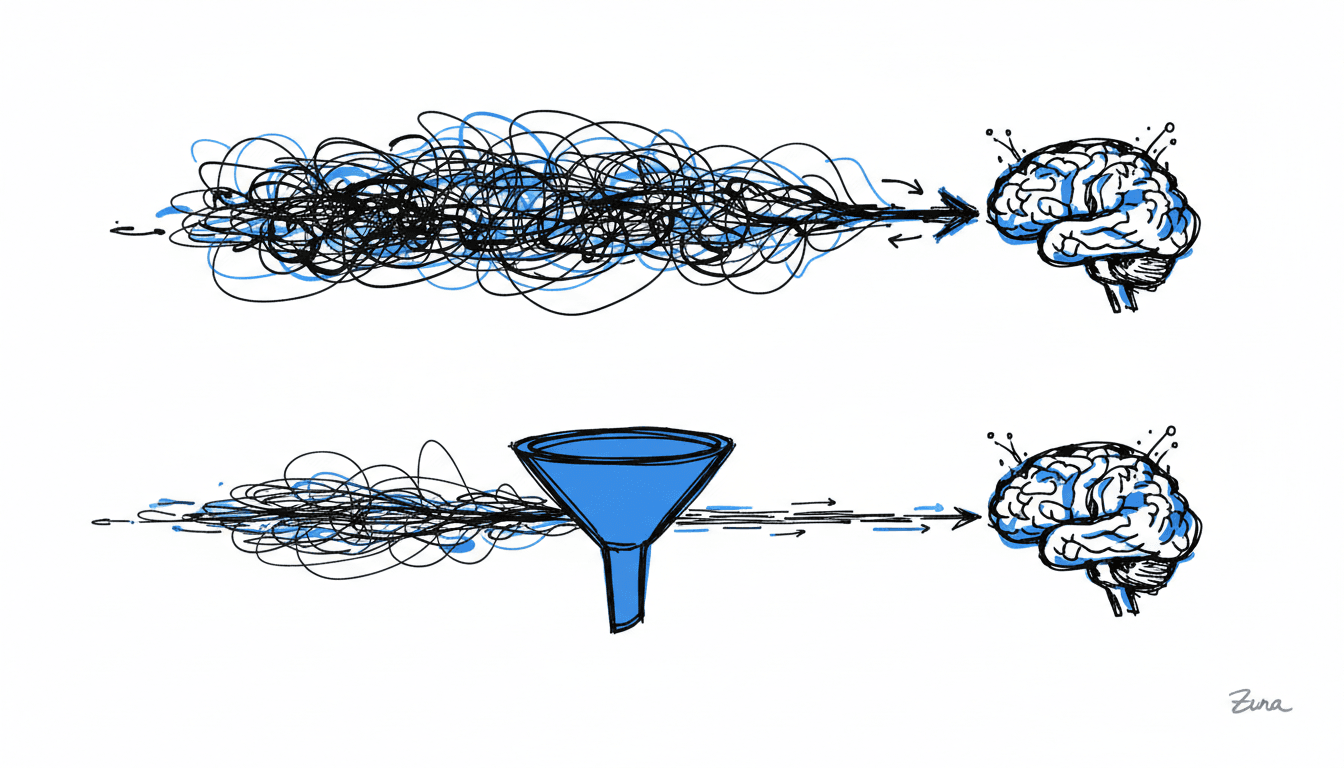
Code Mode flips the paradigm. Instead of making sequential tool calls through the standard protocol, the agent writes executable code that calls tools directly via API. This means:
- Batch operations: Multiple tool calls become a single script
- Selective results: The code extracts only what's needed
- No roundtrips: The LLM writes once, executes once, reads final results
Docker's Implementation#
Docker MCP implements Code Mode through sandboxed JavaScript execution in containers. The agent can dynamically create composite tools that combine multiple operations:
- Search GitHub with multiple keywords
- Filter results by criteria
- Format output for a specific destination
- Write results to a file or database
All in a single tool invocation. The agent might create a custom analyze_repos tool that internally calls search_repos three times with different keywords, deduplicates results, and outputs only the fields you care about.
State Persistence Without Context Bloat#
Volumes handle the heavy lifting. When your agent downloads a 5GB dataset, the data goes to a Docker volume—the model just gets "download successful." When you process the first 10,000 rows, the code reads from the volume and returns only the summary statistics.
This separation is crucial: data that should go to the model (final results, summaries, error messages) gets returned. Data that's just intermediate state stays in the sandbox.
Real-World Impact#
Before vs After#
| Aspect | Before Docker MCP | After Docker MCP |
|---|---|---|
| Data Access | Training data only | Real-time databases, APIs, files |
| Integration | Custom per source | Single MCP protocol |
| Security | Ad-hoc, exposed keys | Containerized isolation |
| Token Efficiency | Redundant loading | Dynamic discovery |
| Maintenance | Developer burden | Docker-maintained catalog |
| Discovery | Manual configuration | Visual toolkit |
The Cost Savings#
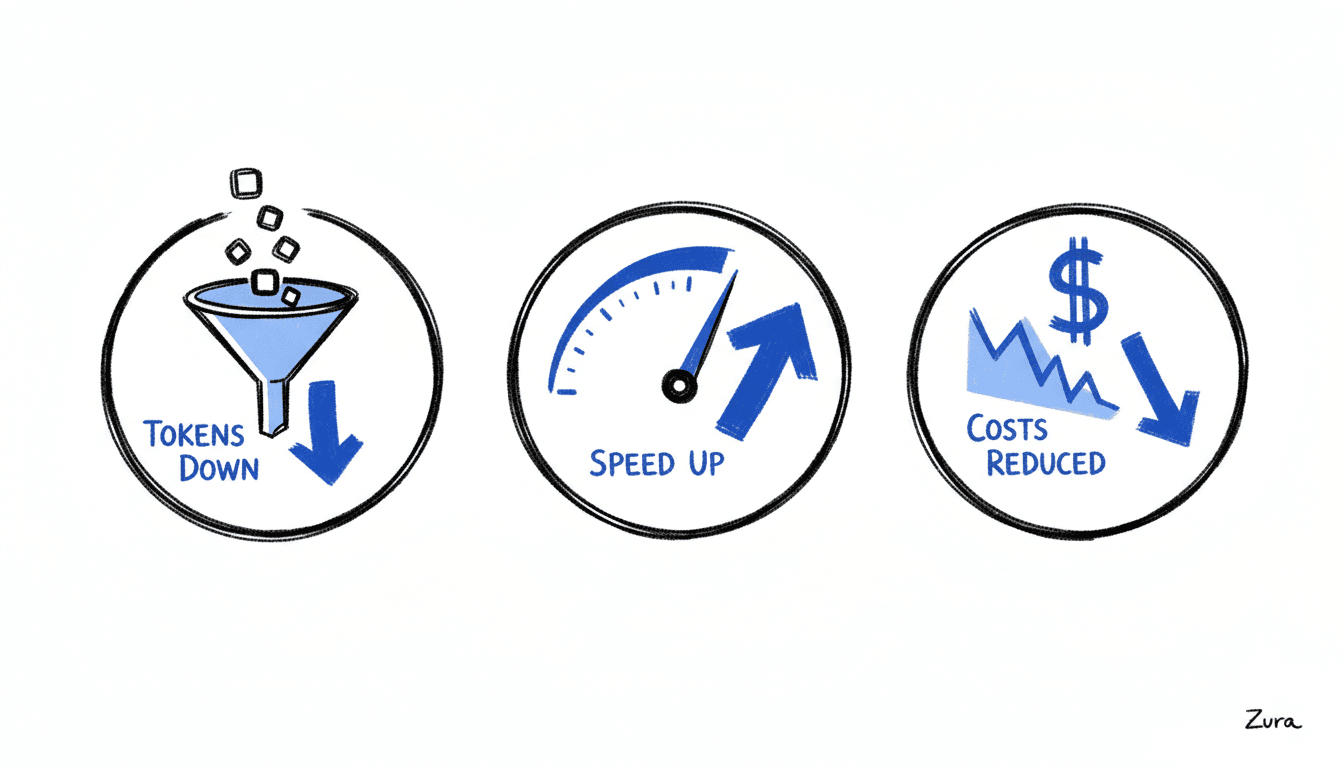
Running 1,000 daily agent invocations with Claude Sonnet:
| Approach | Tokens/Day | Monthly Cost |
|---|---|---|
| Traditional MCP | 150M tokens | ~$2,700 |
| Docker MCP | 2M tokens | ~$36 |
| Savings | 148M tokens | ~$2,664/month |
Use Cases Already Working#
Developer Workflows: AI assistants that read your codebase, query your databases, and deploy your applications—using Git, Filesystem, Postgres, and Docker MCP servers.
Business Intelligence: Natural language queries against company data through database connectors, Google Drive, and Slack integrations.
Workflow Automation: n8n with MCP Client nodes, enabling AI-powered decision making in your automation pipelines.
Tool Chaining with Code Mode: An agent searching for open-source tools can create a single composite tool that queries GitHub with multiple keywords, filters by star count, deduplicates across searches, and writes structured results directly to a Notion database—all while the model only receives brief summaries, never the raw API responses.
Getting Started#
The dual context crisis—token tax and knowledge prison—was a real barrier to production AI agents. Docker MCP solves both with containerized, standardized connections. As Dhanji R. Prasanna, CTO at Block, puts it: "Open technologies like the Model Context Protocol are the bridges that connect AI to real-world applications." Docker just made that bridge secure, efficient, and ready for production.
Your next steps:
- Install Docker Desktop 4.48 or newer
- Explore the MCP Catalog in the Docker Desktop interface
- Enable your first MCP server with one click
- Connect your AI client to the MCP Gateway
The walls are down. What will your agents do now that they can see?
Sources: